Use the following steps to install the LabVIEW runtime engine and its support files.
NOTE--the operator must be granted administrator rights in order to perform the installation.
- Locate the install\NI folder on the installation CD.
- Run
LVRunTimeEng.exe, follow the prompts in
the installation program to continue.
- Typically, it is best to choose the default installation location at the prompt as shown:
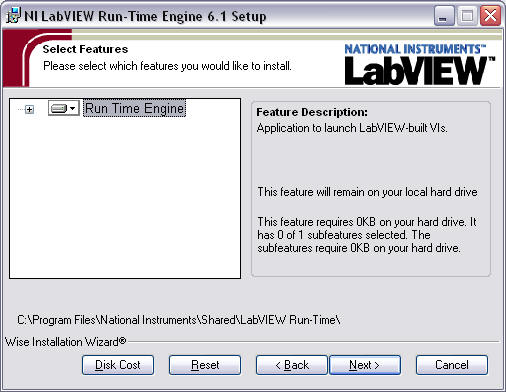
-
Restart the computer if prompted to do so.
NOTE--The control software has been compiled to run under NI LabVIEW version 6.1. Later versions of the runtime software may not function properly with this application